Free Trial
Home Pricing Contact Guide Blog Reseller Free Trial
Complete IPTV Setup Guide | IPTVusax
COMPLETE SETUP GUIDE

How to Install IPTVusax on Any Device

Firestick, Smart TV, Android TV, Apple TV, Windows, Mac, Formuler, MAG, Roku, BuzzTV, Mobile – step-by-step with official visuals

IPTV setup guide
Before you start: Enable Apps from Unknown Sources in Firestick settings.

Install Downloader

Search for Downloader inside the Amazon App Store and install it.

  • HotPlayer – 395800
  • IBO Player Pro – 481220
  • SmartOne IPTV – Amazon Store
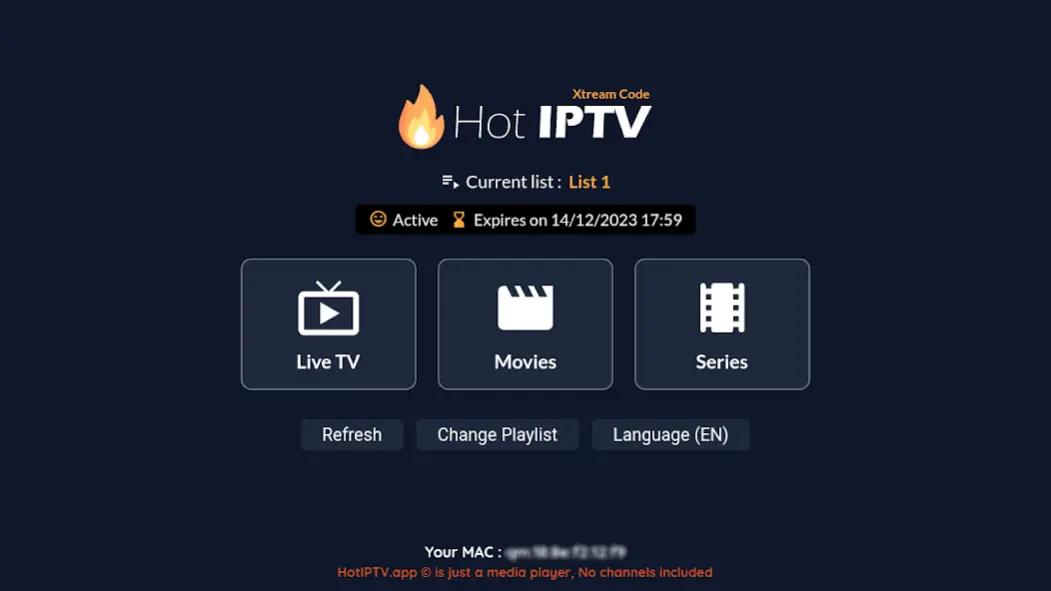
Hot Player

HotPlayer Setup

hot player interface netflix style

Open HotPlayer and note the MAC address displayed on screen.

M3U links must start with http://

Smart TV Setup

Install IPTV apps directly from your TV app store.

Android TV Setup
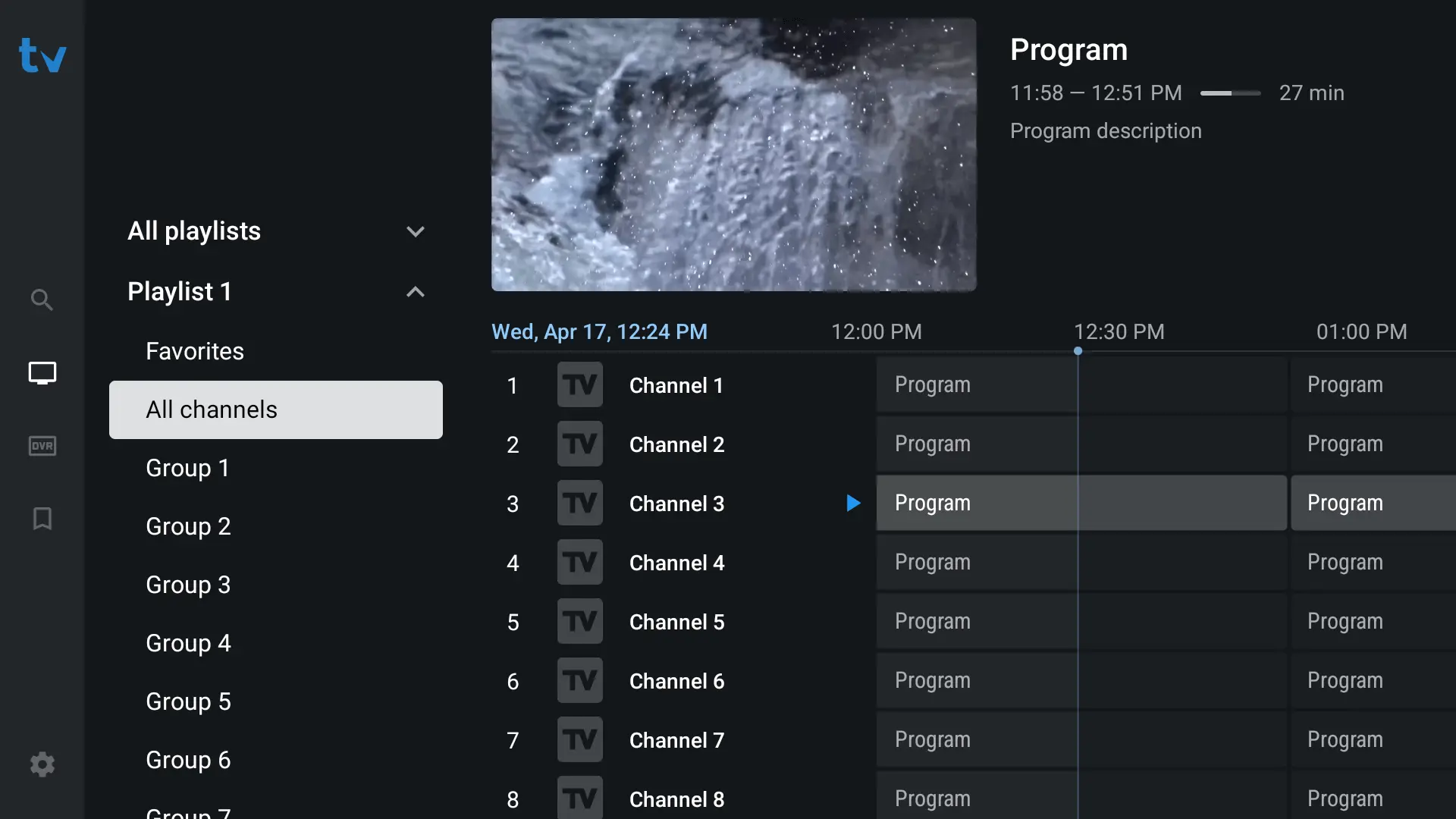
tivimate best epg grid layout

Use TiviMate, XCIPTV, IPTV Smarters, or HotPlayer.

Apple / iOS Setup

Download IPTVX or IPTV Smarters Pro from the App Store.

Disclaimer | IPTV USAx
Disclaimer

All third‑party applications and tools mentioned in this installation guide, including media players, streaming apps, and device software, are the sole property of their respective developers and owners. IPTV USAx is not affiliated with, endorsed by, or responsible for any of these applications. We simply recommend them as they are widely used and compatible with our service. Always download apps from their official sources.

FREQUENTLY ASKED QUESTIONS

Everything You Need to Install IPTV Successfully

Clear answers to help you install IPTV on any device – Firestick, Smart TV, mobile, or PC.

How do I install IPTV on my Firestick?

To install IPTV on Firestick, use the Downloader app with codes 395800 (HotPlayer), 481220 (IBO Pro), or search for SmartOne IPTV directly. After installing any app, note the MAC address and upload your M3U URL (must start with http://). Follow the step‑by‑step guide above for each app.

Why aren't my channels loading after I install IPTV?

Make sure you entered the M3U URL exactly as provided (it must start with http://, not https://). Restart the app or device. If you still have issues after trying to install IPTV again, contact our 24/7 support.

Which player should I use once I install IPTV?

We recommend TiviMate (Android/Firestick) or IPTV Smarters Pro (all platforms). Both offer a great EPG and stable playback. You can also install IPTV using HotPlayer or IBO Pro – they all work perfectly with IPTVusax.

Can I install IPTV on multiple devices?

Yes! IPTVusax allows up to 5 simultaneous connections depending on your plan. You can install IPTV on Firestick, Smart TV, Android, iOS, Windows, and Mac – and use the same credentials everywhere.

Is a VPN required when I install IPTV?

While not mandatory, we strongly recommend using a VPN to protect your privacy and avoid ISP throttling. After you install IPTV, simply enable your VPN before streaming for optimal buffer‑free performance.

I need help – what should I do after I install IPTV?

Our support team is available 24/7 via WhatsApp. If you run into any issue after you install IPTV, just send us a message – we usually reply within minutes.

Contact IPTVusax | 24/7 WhatsApp Support for IPTV Installation
24/7 LIVE CHAT

Get Help to Install IPTV or Manage Your Subscription

Send us a message via WhatsApp – our support team replies within minutes, 24/7.

Send us a WhatsApp message

📱 No form submission – your message opens directly in WhatsApp.

Reach us directly

WhatsApp Chat

+44 7455 907467
Reply within minutes, 24/7.

Open WhatsApp →

Installation help

Need a step‑by‑step guide to install IPTV on Firestick, Smart TV, or mobile? Visit our Installation Guide or ask on WhatsApp.

Support hours

24 hours a day, 7 days a week – including holidays. We never sleep.

Before you message us – common questions

❓ How do I install IPTV on Firestick?

Use Downloader app code 395800 → install HotPlayer → note MAC address → upload M3U URL. Or use Xtream Codes directly in IPTV Smarters Pro. Full tutorial above.

❓ What internet speed do I need to install IPTV?

For 4K streaming, we recommend at least 25 Mbps. Our HEVC compression delivers buffer‑free 4K even at 15 Mbps.

❓ Can I test before I subscribe?

Absolutely. Click the button below to get a 24‑hour free trial – no credit card required.

❓ Do you offer a refund?

Yes. We have a 7‑day money‑back guarantee for all plans. Contact us via WhatsApp within 7 days.

IPTVusax Footer
Scroll to Top