
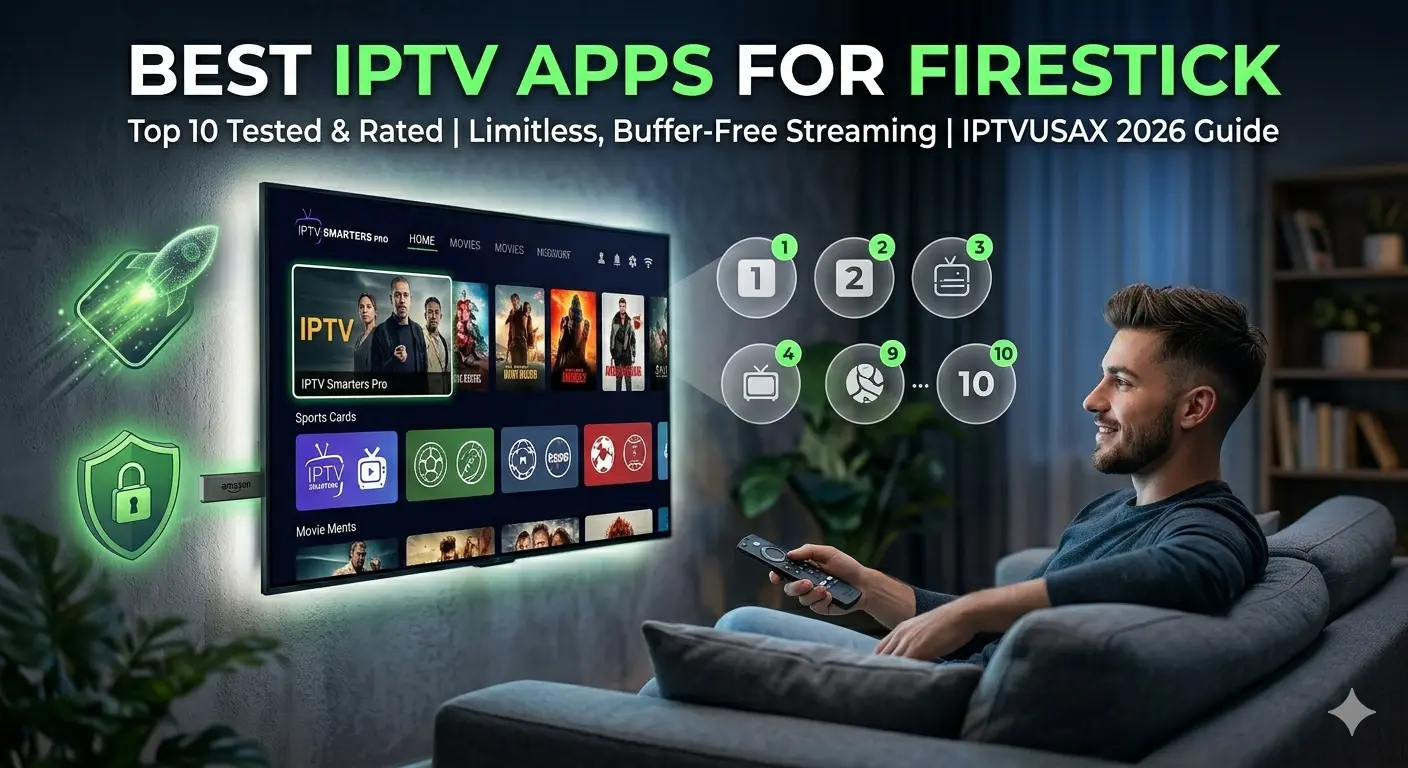
Top 10 Best IPTV Apps for Firestick 2026 – Tested by IPTVUSAX
Turn your Firestick into a premium streaming machine. After testing over 30 IPTV players on Amazon Fire TV Stick 4K Max (2026), we’ve ranked the top 10 based on zapping speed, 4K stability, EPG accuracy, and ease of use. Whether you’re a beginner or a power user, this guide helps you find the perfect app for IPTVUSAX – the benchmark for limitless, buffer‑free, no‑restriction streaming (No Pillar IPTV).
📋 Quick Navigation
- 1. Hot Player – Modern UI & Built‑in VPN Friendly
- 2. IBO Pro Player – Lightweight & Fastest Zapping
- 3. IPTV Smarters Pro – The Gold Standard
- 4. TiviMate IPTV Player – Best‑in‑Class EPG
- 5. XCIPTV Player – All‑in‑One Simplicity
- 6. OTT Navigator – Ultimate Customization
- 7. SmartOne IPTV – Multi‑Platform Stability
- 8. Perfect Player – Classic Grid EPG Lover’s Choice
- 9. GSE Smart IPTV – Advanced Playlist Management
- 10. Flix IPTV – Sleek & Simple for Beginners
- 📊 Ultimate Comparison Table
- ⚙️ Advanced IPTV Settings on Firestick
- ❓ FAQ

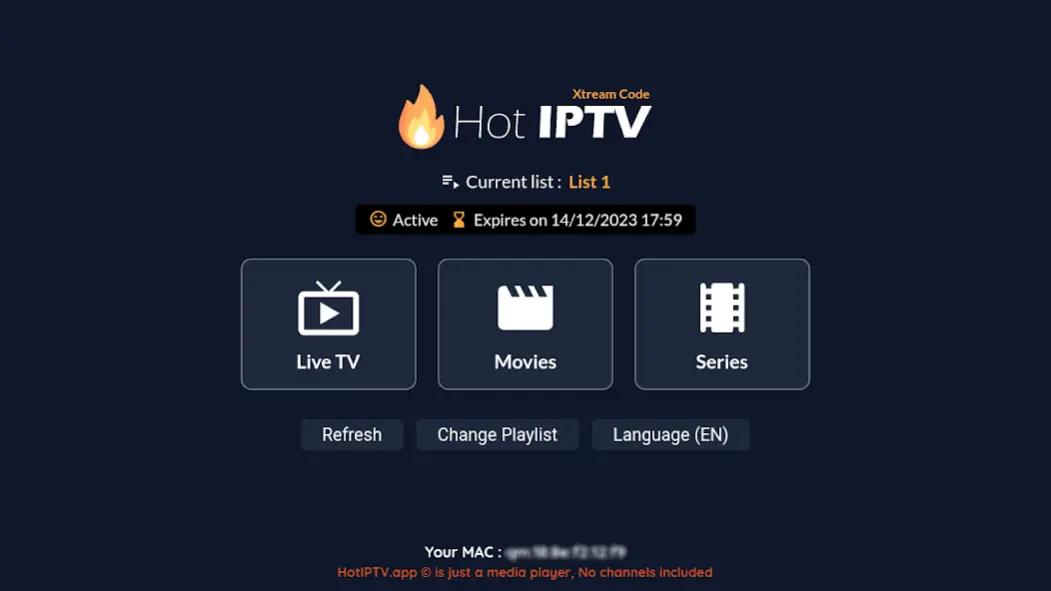
1. Hot Player – Modern UI & Built‑in VPN Friendly
Hot Player stands out with a Netflix‑style interface and dynamic content recommendations. Excellent for VOD and series fans.
📥 Installation
Use Downloader → type 395800 → install → open Hot Player, grant storage permissions, add your IPTVUSAX playlist (M3U URL or Xtream API).
⚡ Performance
Hot Player uses ExoPlayer and allows buffer size customization. Measured initial load 2.5 sec for 4K. Rich metadata, posters. Free version has ads.
✅ Pros
- Rich metadata & poster art
- Built‑in VPN compatibility
- Multi‑language EPG
- Adjustable buffer size
❌ Cons
- Ads in free version
- Slight learning curve
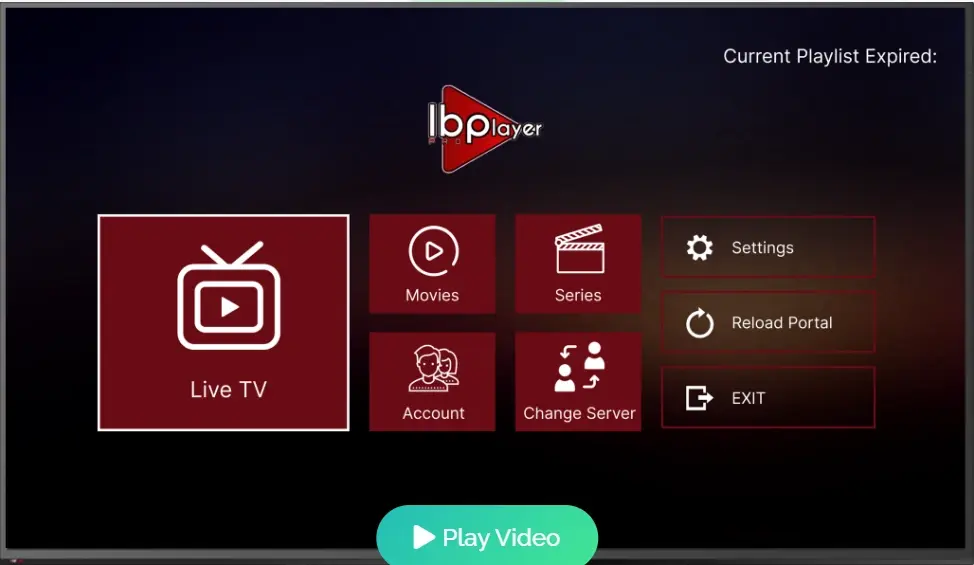
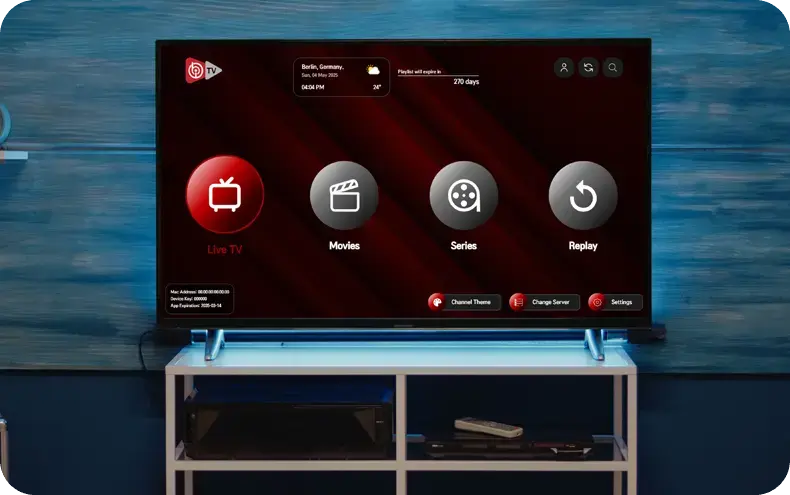
2. IBO Pro Player – Lightweight & Fastest Zapping
Incredible speed, modern design. Ideal for responsiveness.
📥 Installation
Downloader → 481220 → install → activate with IPTVUSAX credentials.
⚡ 4K Performance
Sub‑1‑second channel switching – fastest among all. Fluid on older Firesticks. Free 7‑day trial, then one‑time fee.
✅ Pros
- Blazing fast zapping
- Ad‑free interface
- Multiple playlists
- Auto EPG refresh
❌ Cons
- Nominal lifetime license
- MAC activation for some
3. IPTV Smarters Pro – The Gold Standard

Polished interface, multi‑screen support, external player integration. Perfect for beginners and power users.
📥 Installation
- Install Downloader from Amazon Store.
- Enable "unknown sources" in Firestick settings.
- Open Downloader, enter code
28907→ Go. - Install APK, open IPTV Smarters Pro.
⚡ Performance (IPTVUSAX tested)
4K streams at 60fps: channel zapping 2-3 sec, near‑zero buffering on 50 Mbps. Hardware decoding by default. EPG loads 10k+ channels smoothly. Built‑in parental controls, VOD, catch‑up.
✅ Pros
- Extremely stable
- Multi‑screen support
- Advanced EPG
- Free (optional premium)
❌ Cons
- Paid version for some features
- Manual playlist setup
4. TiviMate IPTV Player – Best‑in‑Class EPG
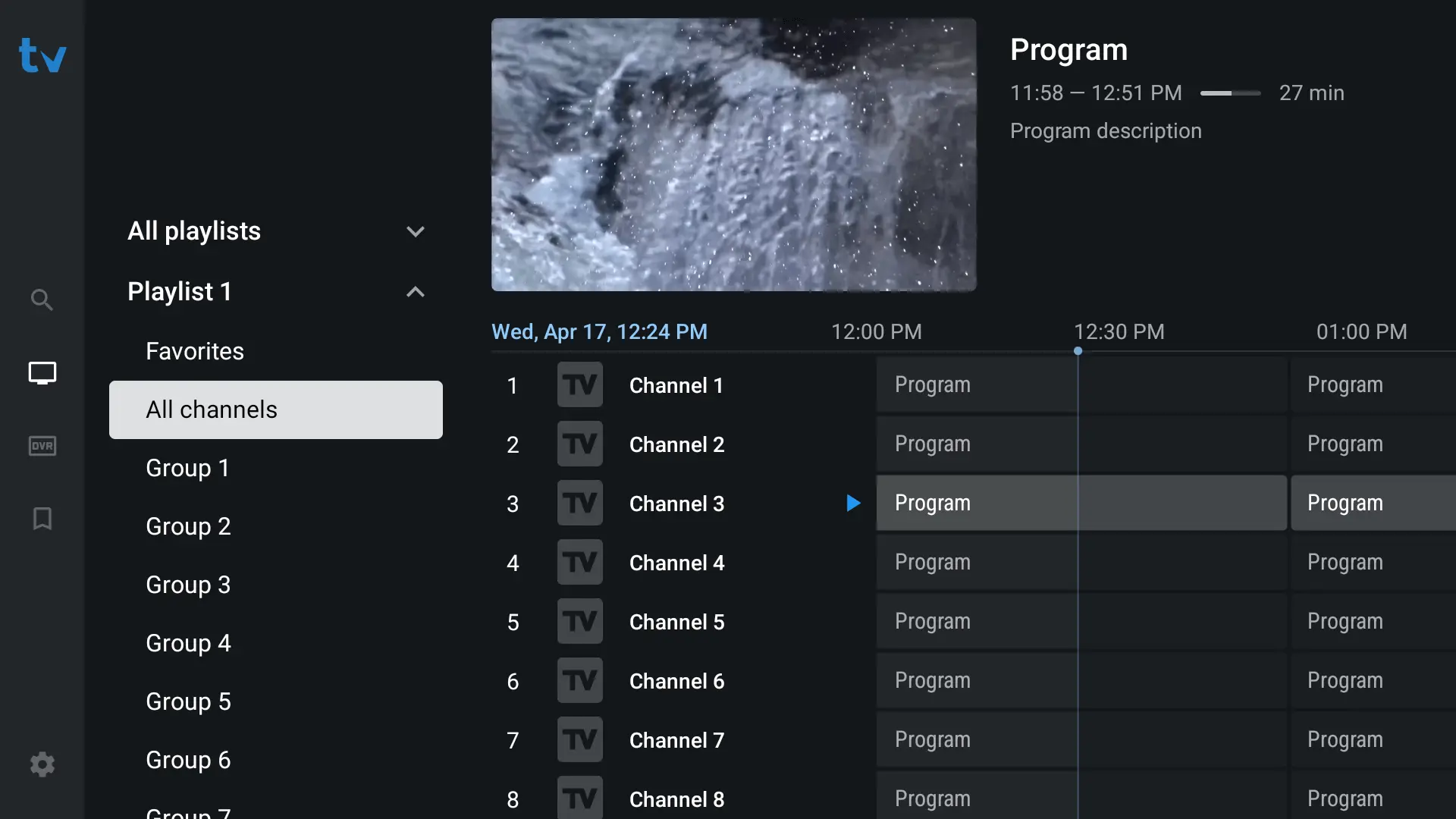
Premium player with exceptional EPG and recording capabilities. Many users pair TiviMate with IPTVUSAX.
📥 Installation
Search "TiviMate" in Amazon App Store, or use Downloader with latest APK from official site.
⚡ Performance
Channel switching ~1.5 sec. EPG is best‑in‑class: customizable grid, smooth scrolling, recording, catch‑up. Free version limited to one playlist; premium ~$9/year unlocks full features.
✅ Pros
- Best EPG experience
- Clean grid UI
- Recording support
- Regular updates
❌ Cons
- Premium required for full features
- No built‑in player customization
5. XCIPTV Player – All‑in‑One Simplicity
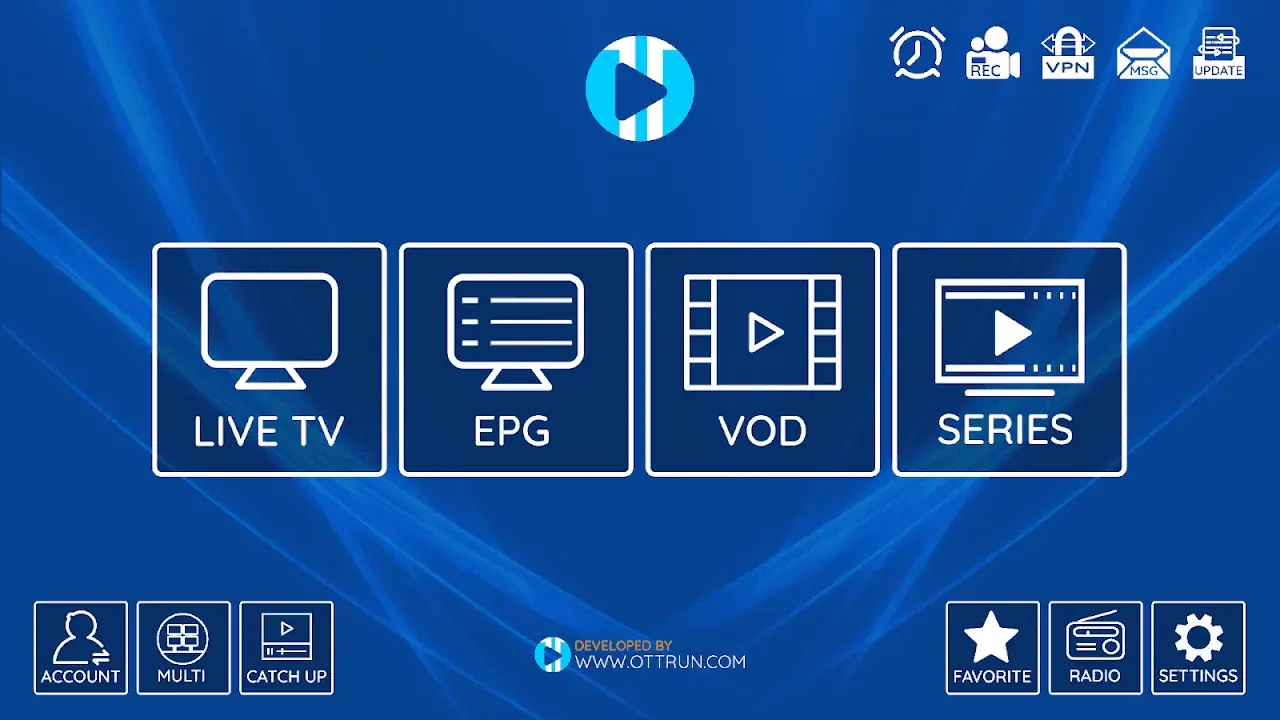
Built‑in media player, VPN support, catch‑up, sleek interface. Excellent for beginners.
📥 Installation
Downloader code 792865 → install → open → add IPTVUSAX playlist (M3U or Xtream Codes).
⚡ Performance
Zapping speed ~2.5 sec. Modern dashboard, hardware acceleration, multiple audio tracks. Completely free (optional in‑app to remove ads).
✅ Pros
- Free
- Modern interface
- Built‑in VPN support
- Catch‑up ready
❌ Cons
- Occasional ads
- EPG less advanced than TiviMate

6. OTT Navigator – Ultimate Customization
Powerhouse for advanced users – full control over UI, supports all playlist formats.
📥 Installation
Downloader → code 726194 → install → add IPTVUSAX playlist (M3U, Xtream, etc.).
⚡ Performance
Channel zapping 1.5‑2 sec. Fully customizable interface (colors, grid, remote mappings). Supports multi‑audio, subtitles, advanced recording. Free version ads, one‑time purchase removes ads.
✅ Pros
- Highly customizable
- All playlist types
- Advanced recording
- Multi‑audio tracks
❌ Cons
- Steeper learning curve
- Ads in free version
7. SmartOne IPTV – Multi‑Platform Stability
Cross‑platform stability (Smart TV + Firestick). Intuitive interface, dedicated features.
⚡ Performance & Features
Built‑in OTT/IPTV media player, Xtream Codes + M3U, favorites, EPG, auto‑subtitles, parental controls. One‑year ~€2.50 or lifetime ~€12.99. Free trial available.
✅ Pros
- Extremely stable
- Cross‑platform
- Simple interface
- Competitive pricing
❌ Cons
- No Downloader code
- Paid after trial
8. Perfect Player – Classic Grid EPG Lover’s Choice
Lightweight, classic TV‑guide layout, no bloat.
📥 Installation
Downloader → code 368204 → install → Settings → General → add IPTVUSAX M3U URL and EPG URL.
⚡ Performance
Channel switching ~2 sec. Very light on resources. Supports hardware acceleration, UDP proxy, multiple playlists. Completely free, no ads.
✅ Pros
- Pure grid EPG
- Very lightweight
- Free & ad‑free
- Multiple playlists
❌ Cons
- Dated interface
- No VOD wall (text‑only)
9. GSE Smart IPTV – Advanced Playlist Management
Multiple playlist support, dynamic language switching, built‑in speed test.
📥 Installation
Downloader code 459028 → install → add IPTVUSAX playlist (M3U, JSON, Xtream).
⚡ Performance
Zapping 2‑2.5 sec. Chromecast, EPG time shift, speed test. Free with ads; one‑time ~$6 removes ads and adds recording.
✅ Pros
- Many playlist formats
- Chromecast
- Built‑in speed test
- Dynamic subtitles
❌ Cons
- Dated interface
- Premium required for recording
10. Flix IPTV – Sleek & Simple for Beginners
Clean modern interface, extremely easy setup. Great alternative to Smarters Pro.
📥 Installation
Downloader code 873215 → install → open → enter IPTVUSAX Xtream Codes API (no manual M3U).
⚡ Performance
Channel switching ~2.5 sec. Card‑based UI, built‑in VPN toggle, catch‑up. Free ad‑supported; small fee unlocks premium.
✅ Pros
- Very beginner‑friendly
- Native Xtream Codes
- Clean design
- Built‑in VPN toggle
❌ Cons
- Ads in free version
- No M3U input (Xtream only)
📊 Ultimate Comparison: Top 10 IPTV Apps for Firestick
| # | App Name | Zapping Speed | EPG Quality | Pricing Model | UI / Design |
|---|---|---|---|---|---|
| 1 | Hot Player | Moderate-fast (~2 sec) | Rich metadata | Freemium | Netflix‑style |
| 2 | IBO Pro Player | Lightning (<1 sec) | Very good | One‑time fee | Minimal, modern |
| 3 | IPTV Smarters Pro | Fast (2-3 sec) | Excellent | Freemium | Professional |
| 4 | TiviMate | Very fast (1.5 sec) | Best‑in‑class | Premium (~$9/year) | Grid‑focused |
| 5 | XCIPTV | Good (2.5 sec) | Standard | Free | Modern |
| 6 | OTT Navigator | Fast (1.5-2 sec) | Customizable | Freemium | Highly customizable |
| 7 | SmartOne IPTV | Stable (2 sec) | Simple | Paid (low cost) | Clean, multi‑platform |
| 8 | Perfect Player | Good (2 sec) | Classic grid | Free | Dated |
| 9 | GSE Smart IPTV | Moderate (2-2.5 sec) | Standard + shift | Freemium | Functional |
| 10 | Flix IPTV | Good (2.5 sec) | Basic | Freemium | Sleek, beginner |
⚙️ Advanced IPTV Settings on Firestick (Boost Performance)
- Hardware Decoding: Enable in video settings – reduces CPU load, ideal for 4K.
- Buffer Size: Choose "Large" (10-15 sec) for Wi‑Fi, "Medium" for Ethernet. IPTVUSAX works best with "Large".
- Parental Controls: Lock adult channels with a PIN.
- VPN: Use a VPN (NordVPN, ProtonVPN) to stop ISP throttling. IPTVUSAX fully supports VPNs.
- External Player: Set VLC or MX Player for better audio codec support.
❓ Frequently Asked Questions (Best IPTV Apps for Firestick)
🚀 Ready to transform your Firestick?
Get IPTVUSAX – the No Pillar IPTV service with 36K+ channels, 4K sports, and zero restrictions. Try it free for 24 hours.
Claim Your Free Trial →No credit card • Instant activation • Cancel anytime